


Time management can feel like a constant juggling act. You’ve got meetings, deadlines, personal commitments, and somewhere in the mix, you need time to breathe. Sound familiar? That’s where AI scheduling tools come in. These smart tools are designed to take the chaos out of planning your week, automating the tedious work of scheduling so you can focus on what truly matters.
Imagine this: your meetings are booked without the back-and-forth emails, your focus time is carved out automatically, and your weekly goals are balanced with your personal life—all without you lifting a finger. Intrigued? Let’s explore how AI scheduling tools can help you automate your weekly schedule and reclaim your time.
Why Automating Your Weekly Schedule Matters
We’ve all experienced the frustration of trying to schedule meetings or plan our week manually. It’s not just time-consuming; it’s mentally exhausting. Studies show that the average professional spends over five hours a week coordinating calendars—that’s five hours you could be spending on meaningful work or, dare we say it, relaxation.
By automating your weekly schedule, you free yourself from these repetitive tasks. AI scheduling tools can prioritise your commitments, ensure you have uninterrupted focus time, and even create buffers to prevent burnout. The result? A more productive and balanced week, with less time spent managing logistics.
Key Features of AI Scheduling Tools
Not all scheduling tools are created equal, but the best ones share some powerful features that make automation seamless. For starters, they don’t just organise—they optimise. These tools use intelligent algorithms to allocate time for meetings, tasks, and even personal habits like exercise or meditation.
For example, tools like Clockwise automatically block focus time in your calendar, ensuring you have uninterrupted periods to tackle deep work. Meanwhile, apps like Reclaim.ai balance your professional and personal goals by scheduling tasks like project deadlines alongside reminders for your morning run. The result? A holistic approach to managing your time.
Top AI Scheduling Tools to Consider in 2024
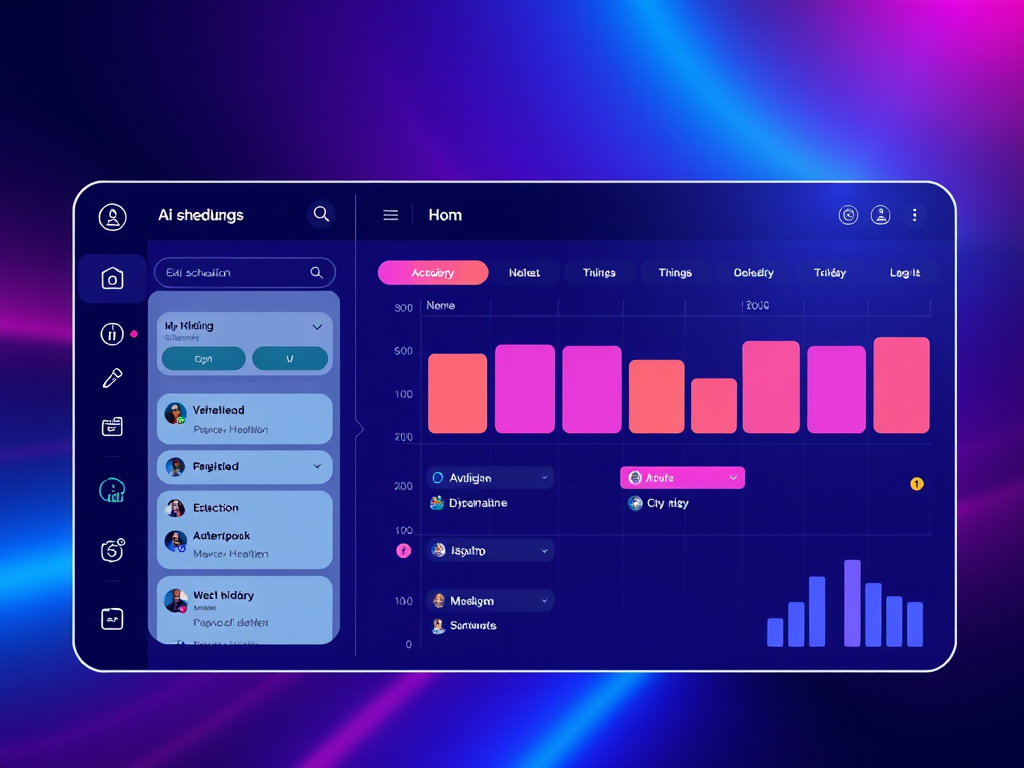
If you’re ready to dive into automation, here are five standout tools that can transform the way you plan your week:
- Clockwise: This tool integrates with Google Calendar to optimise your schedule, ensuring you have dedicated focus time and balanced workloads.
- Calendly: Perfect for scheduling meetings, Calendly eliminates the need for back-and-forth emails by letting others book time directly on your calendar based on your availability.
- Reclaim.ai: A dynamic scheduler that balances work tasks with personal goals, Reclaim.ai lets you plan everything from project deadlines to yoga sessions seamlessly.
- Motion: Combining task management and calendar automation, Motion prioritises your deadlines and adjusts your schedule dynamically to fit everything in.
- Microsoft 365 Scheduler: An AI assistant designed for organisations, this tool coordinates meetings across teams and syncs with Outlook and Microsoft Teams.
Each tool has its strengths, so the best choice depends on your specific needs. Whether you’re looking to streamline team collaboration or prioritise personal time, there’s an AI tool ready to help.
Step-by-Step Guide to Automating Your Weekly Schedule
Ready to take the plunge? Here’s how to get started with automating your weekly schedule:
Step 1: Choose the Right AI Scheduling Tool
Start by evaluating your priorities. Are you focused on managing meetings, organising tasks, or balancing personal commitments? Test out a few tools with free trials to find the one that fits your workflow.
Step 2: Sync Your Calendar and Apps
Once you’ve chosen a tool, connect it to your existing calendar and productivity apps. This integration allows the AI to gather data and create a seamless scheduling experience.
Step 3: Set Your Availability and Preferences
Define your working hours, personal time, and any recurring commitments. Customise your preferences to ensure the tool aligns with how you want to spend your week.
Step 4: Add Recurring Tasks and Goals
Input regular activities like team meetings, deadlines, or personal habits. Let the AI tool take over from there, prioritising tasks and finding the best time slots automatically.
Step 5: Monitor and Adjust
At the start of each week, review your automated schedule. Make manual tweaks if necessary and let the AI learn from your adjustments for better optimisation over time.
Tips for Maximising AI Scheduling Tools

To get the most out of AI scheduling, think strategically. Use features like task batching to group similar activities together, reducing context switching throughout your day. Leverage focus time settings to protect uninterrupted periods for deep work. And don’t forget to set up recurring events—this simple step can save you hours each month.
Common Challenges and How to Overcome Them
It’s natural to feel hesitant about handing over control to AI. What if the tool doesn’t “get” your preferences? What if something goes wrong? These concerns are valid but manageable. Start small—automate just one or two workflows to build confidence. Most tools offer robust customer support and tutorials to guide you through the process.
Another common challenge is privacy. To address this, choose scheduling tools with strong encryption and clear data policies. Rest assured, many reputable tools prioritise security, keeping your information safe while streamlining your schedule.
Future Trends in AI Scheduling
The future of AI scheduling is bright. Emerging technologies are focusing on predictive scheduling, where tools learn your productivity patterns and adapt accordingly. Imagine an AI assistant that not only schedules your tasks but also suggests mindfulness breaks or energy-boosting activities based on your mood.
Voice-activated scheduling is also on the rise, offering hands-free planning for busy professionals. These innovations aren’t just about saving time—they’re about creating smarter, more intuitive tools that enhance your overall well-being.
Conclusion
Automating your weekly schedule with AI isn’t just a productivity hack—it’s a way to take back control of your time. By choosing the right tool and following the steps outlined in this guide, you can create a schedule that works for you, not against you.
So why not start today? Explore the tools mentioned, experiment with automation, and watch as your week



 Beginners Ai for women entrepreneurs